Front gate (Stadsmakers terrain)
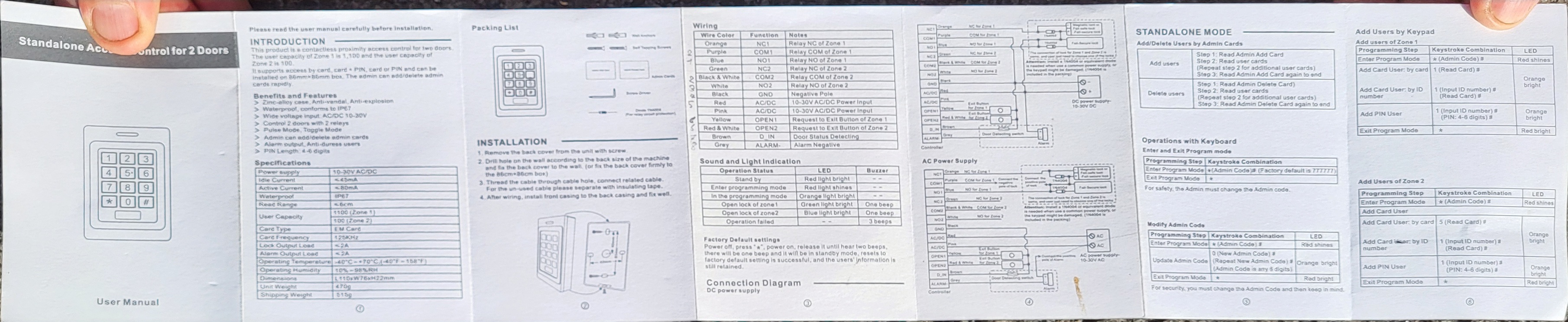
The front gate of the Stadsmakers terrain is controlled by a keypad with an RFID card reader. This page covers day-to-day use and how to manage PIN codes and cards.
Opening the gate
| Method | What to do |
|---|---|
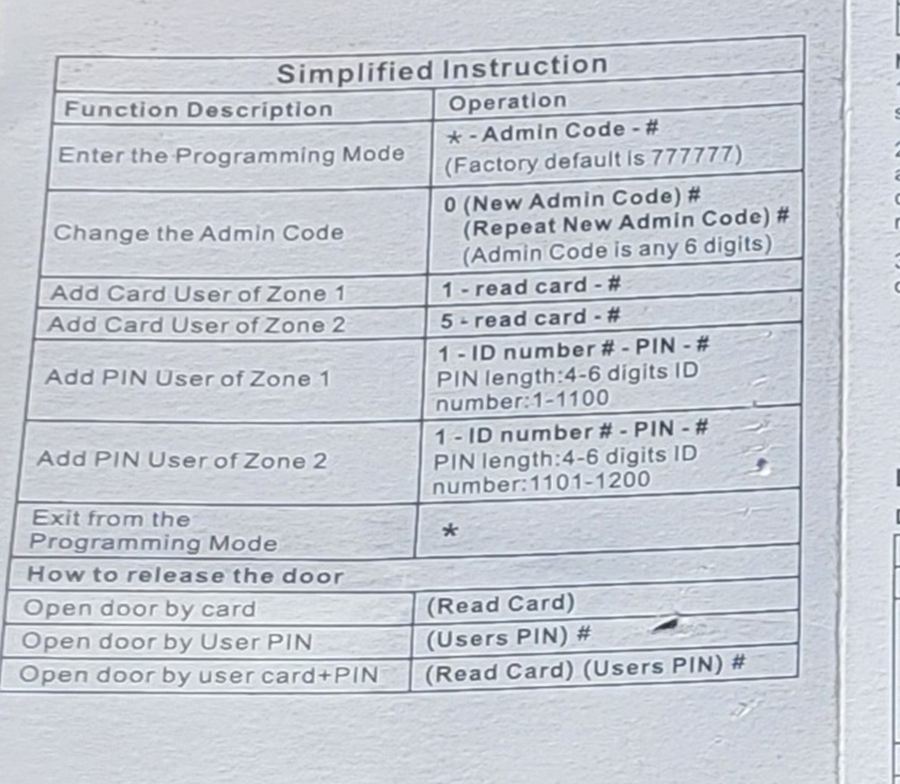
| Card | Hold your card against the reader |
| PIN | Enter your PIN, then press # |
| Card + PIN | Hold your card against the reader, enter your PIN, then press # |
Programming mode (admin)
All configuration is done from programming mode on the keypad.
Enter programming mode
Press * (Admin Code) #
The factory default admin code is 777777.
Change the admin code
While in programming mode:
Press 0 (New Admin Code) # (Repeat New Admin Code) #
The admin code must be exactly 6 digits.
Add a PIN user
While in programming mode:
Press 1 (ID number) # (PIN) #
- PIN length: 4 to 6 digits
- ID number for Zone 1 users:
1to1100 - ID number for Zone 2 users:
1101to1200
Example: 1 42 # 1234 # adds user ID 42 with PIN 1234.
Add a card user
While in programming mode:
- Zone 1: press
1, hold the card against the reader, then press# - Zone 2: press
5, hold the card against the reader, then press#
Exit programming mode
Press *
Reference
The "Simplified Instruction" section from the manufacturer's manual:
Full manual